
Reach Beyond Realistic Rendering
3ds max, Corona & AI, Interactive Live Bootcamp
It’s fast, an brutally accurate.
Corona - AI Bootcamp (intensive workshop)
Hands-on help
Short Time, Less Cost
2 Online-Live Sessions
Ai tools
Does this sound familiar?
You’re wasting a lot of time while trying to reach reality.
You suffer from light distribution and your rendered images always look pale.
You can't reach your ideal mood.
You can't get the right answer for your questions.
You want to make animation for your work to impress your clients, but it feels overwhelming.
With "Hilive Bootcamp" (intensive workshop), those struggles disappear.
You’ll get…
Clear workflow to distribute lighting, create materials, and adjusting cameras effectively for instant results.
Using AI for Image enhancement and for creating animated video.
Q&A time to answers your struggling questions.
What You Will Learn?
Camera
We will learn how to master cinematic camera setups that tell a story from every angle—turning each shot into a magazine-cover masterpiece, even when captured from different positions within the same space.
Orthographic Shot
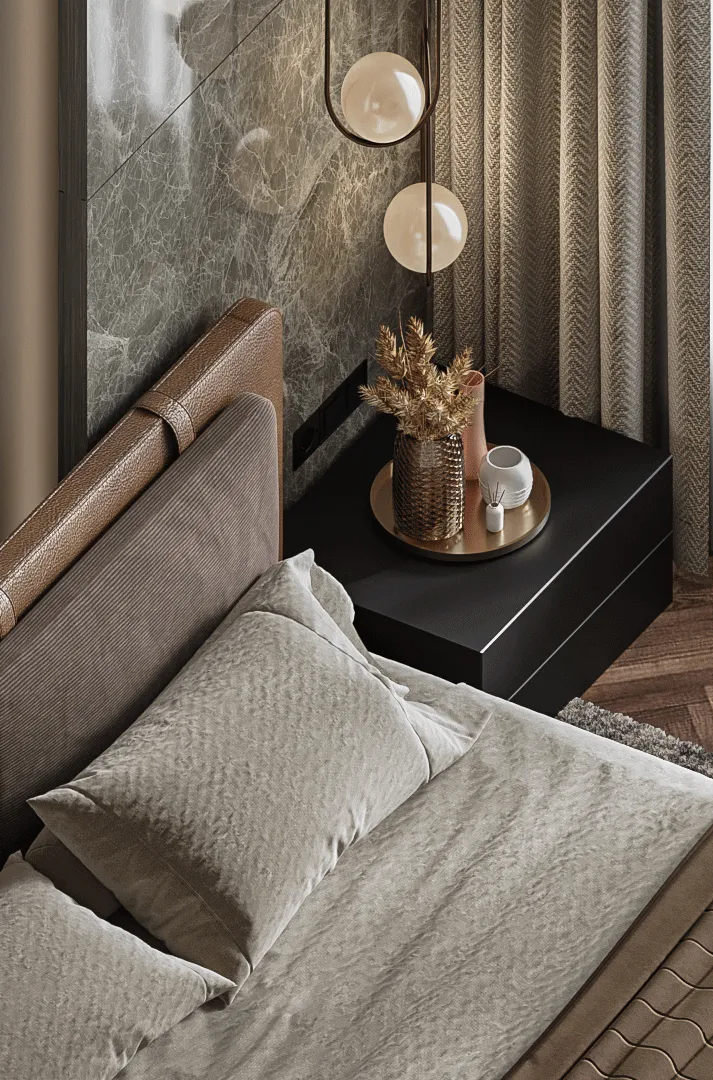
Depth of field shot
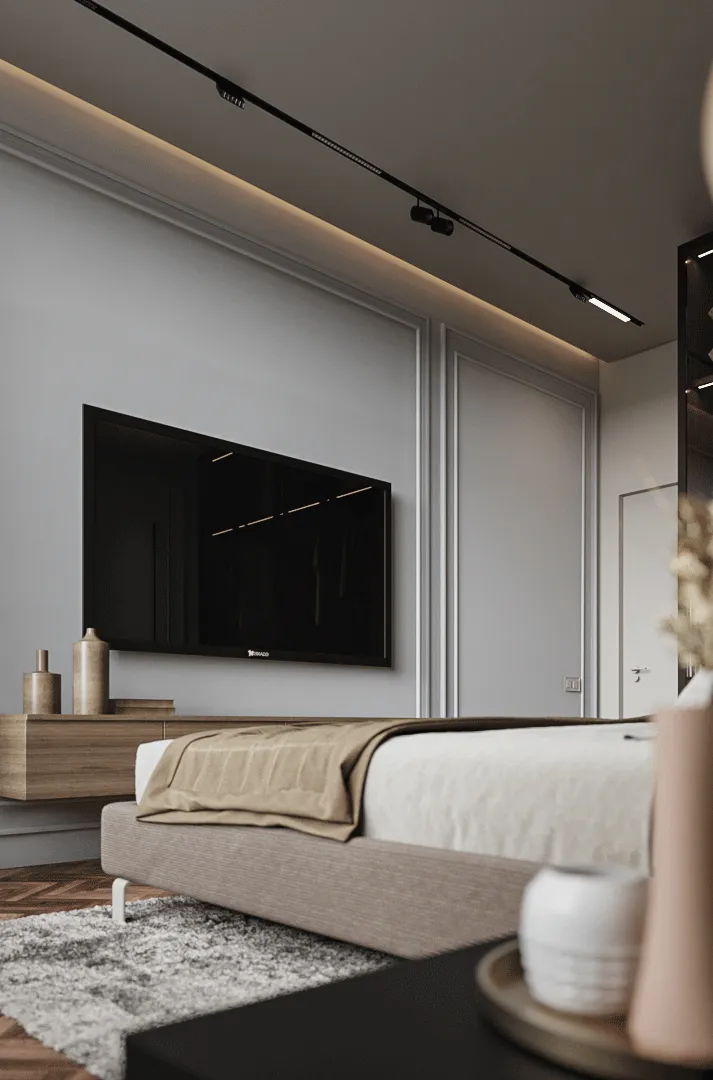
Straight Shot
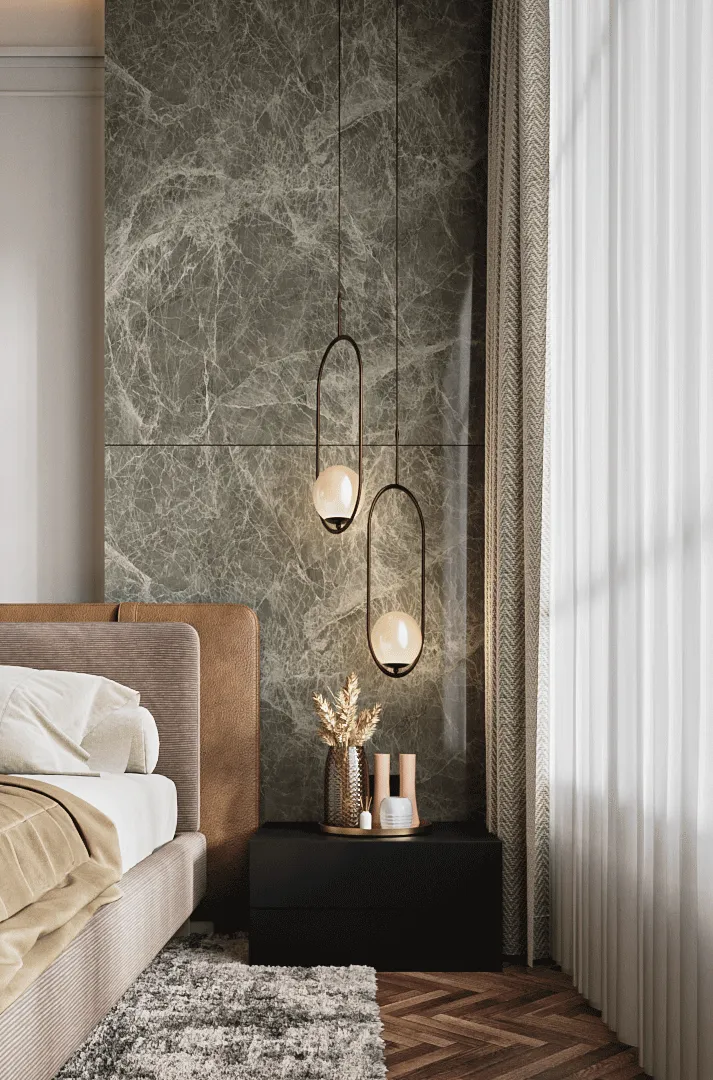
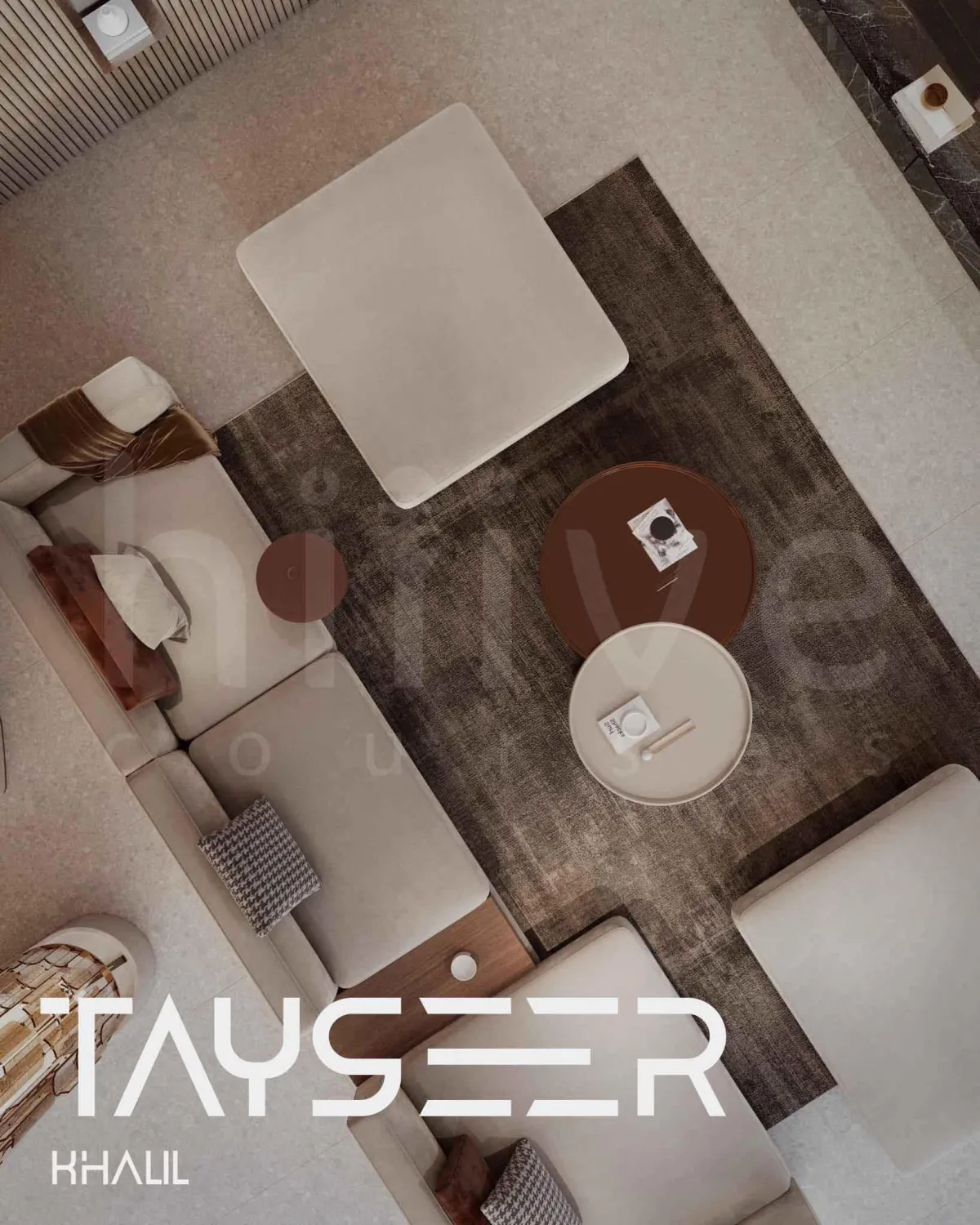
Top Shot

Lighting
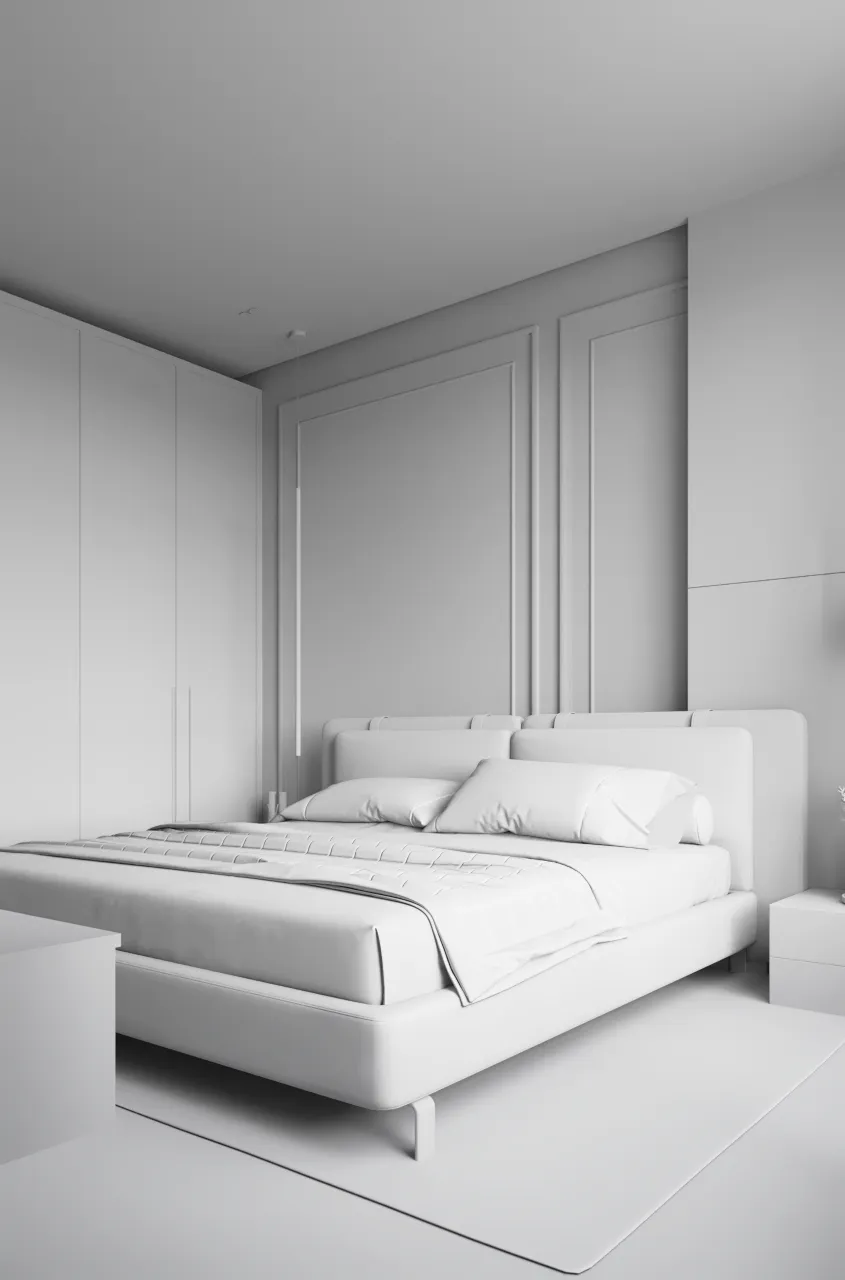
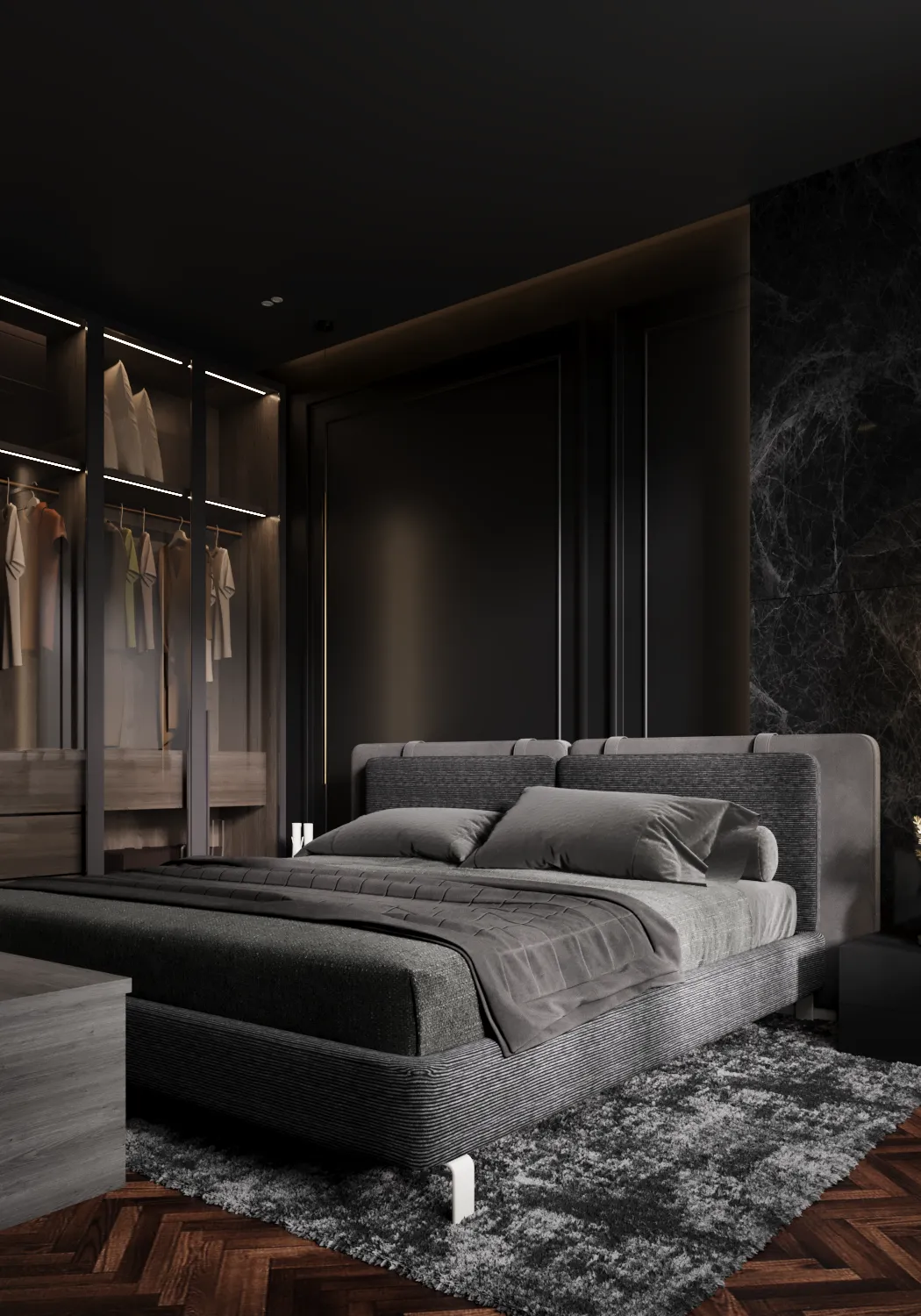
You will discover how to craft stunning daylight and moody night scenes using Corona Renderer—mastering lighting on both bright and dark moods to breathe emotion and realism into every interior shot.
Override Material
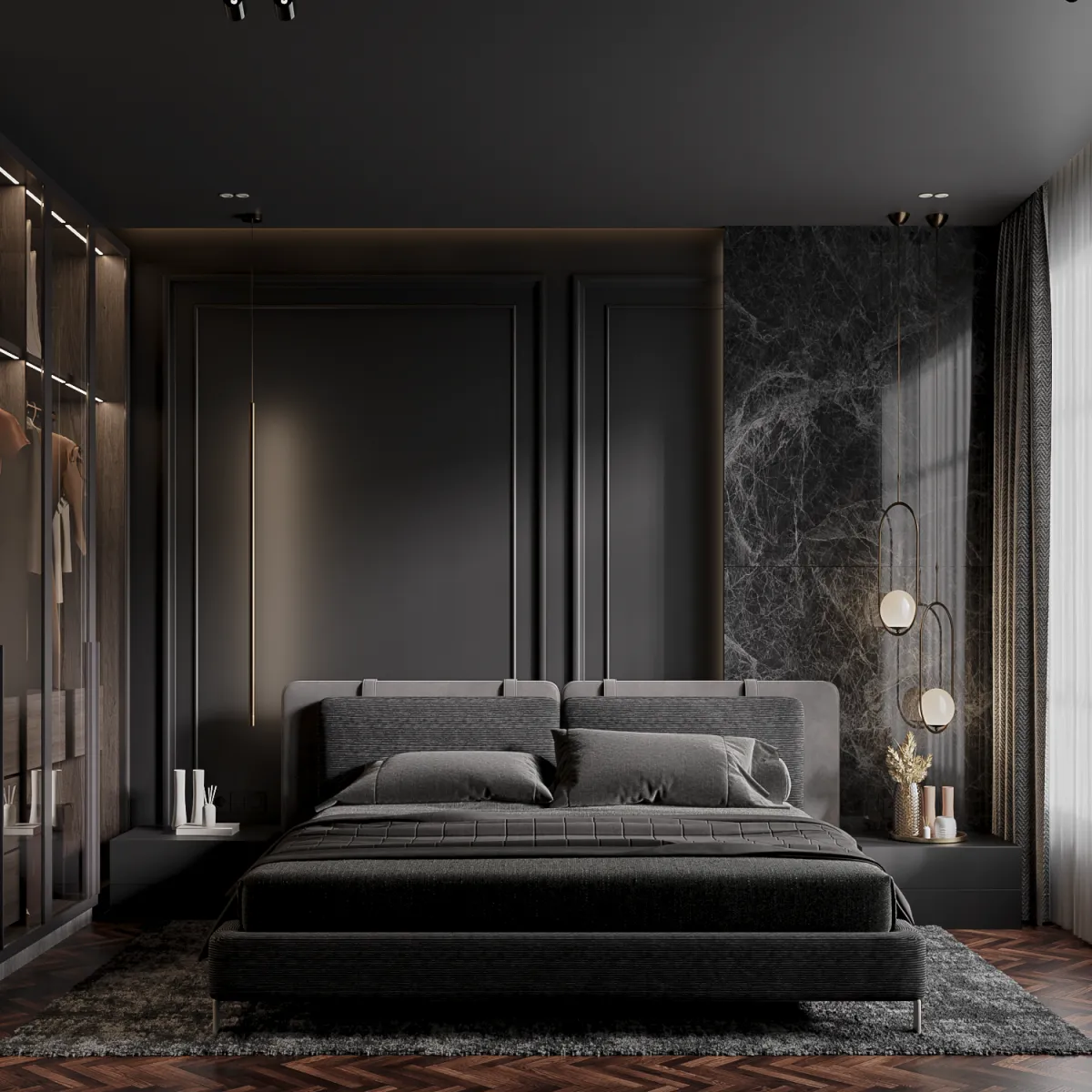
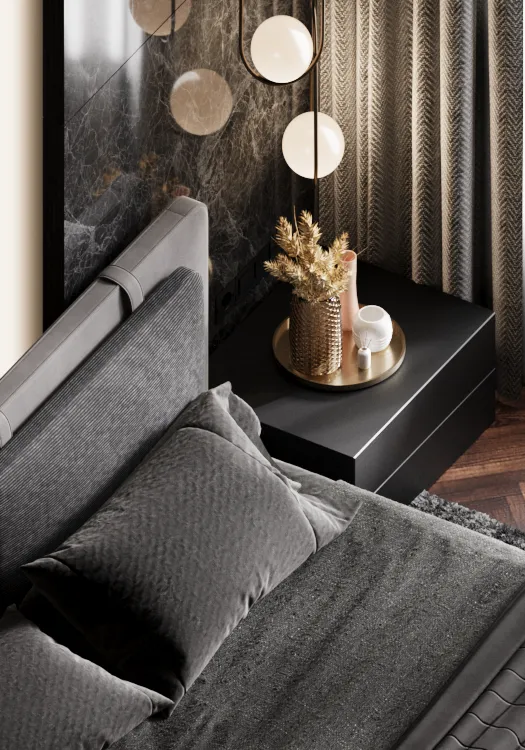
Dark Mood
Night Shot
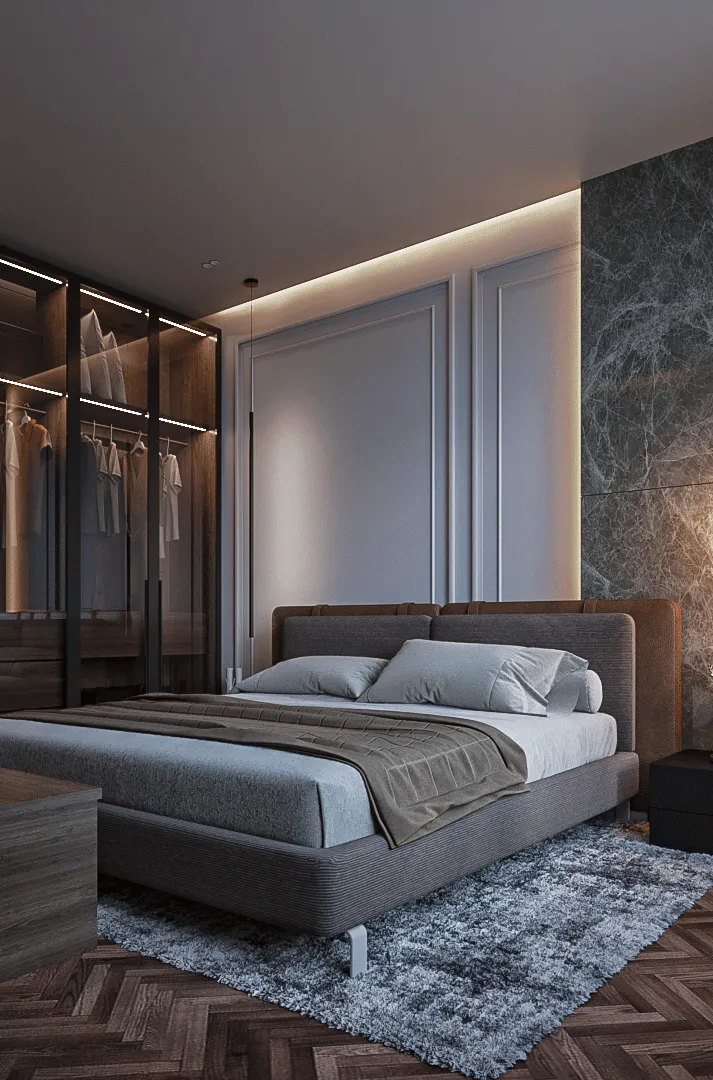
Day Light
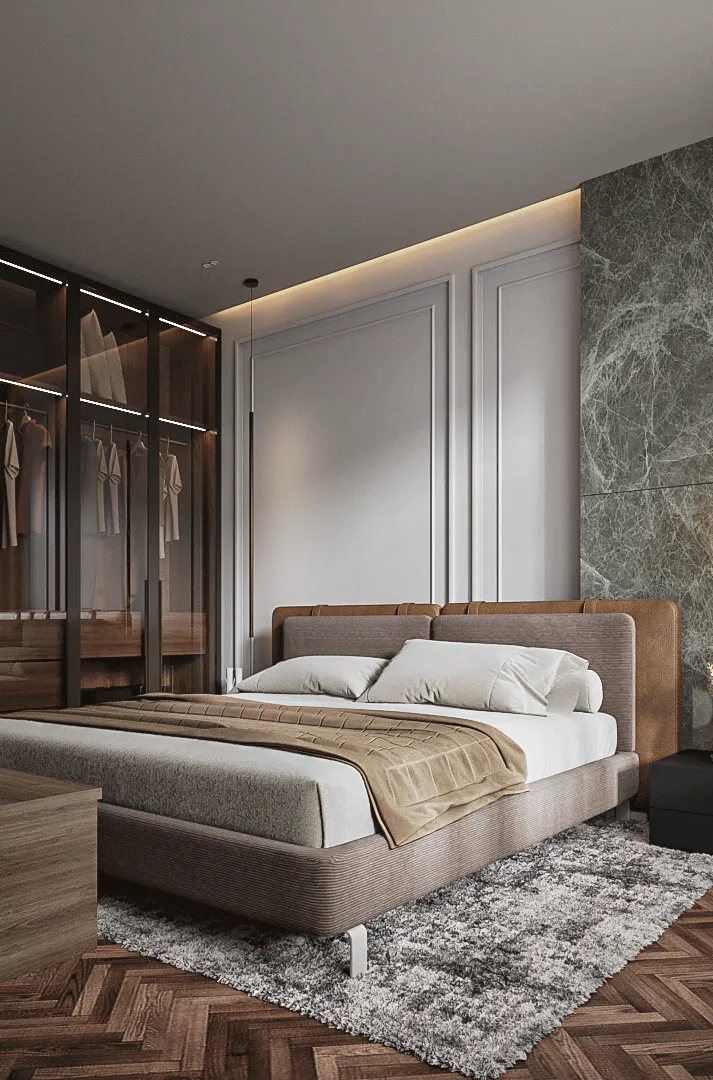
Lighting
We will learn how to master Lighting setups that tell a story from every angle—turning each shot into a magazine-cover masterpiece, even when captured from different positions within the same space.
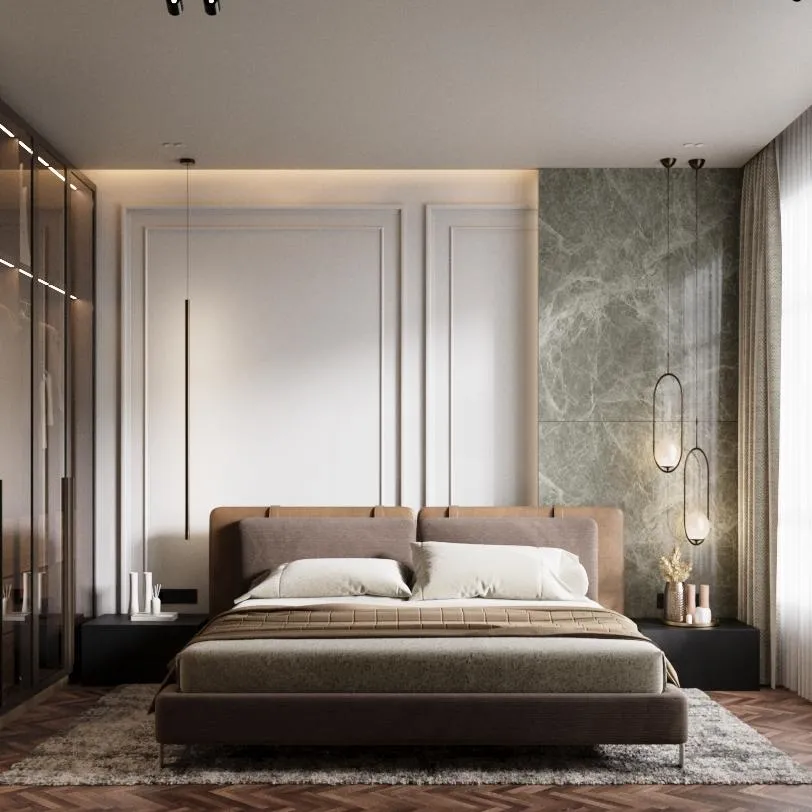
Material
We will learn how to create rich, photorealistic materials—e.g. marble, fabric, plaster, metal—and craft powerful color schemes and moods that transform any interior into a masterpiece, whether soft and bright or dark and dramatic.
Bright Mood Materials
Dark mood Materials
Lighting
You will discover how to craft stunning daylight and moody night scenes using Corona Renderer—mastering lighting on both bright and dark moods to breathe emotion and realism into every interior shot.
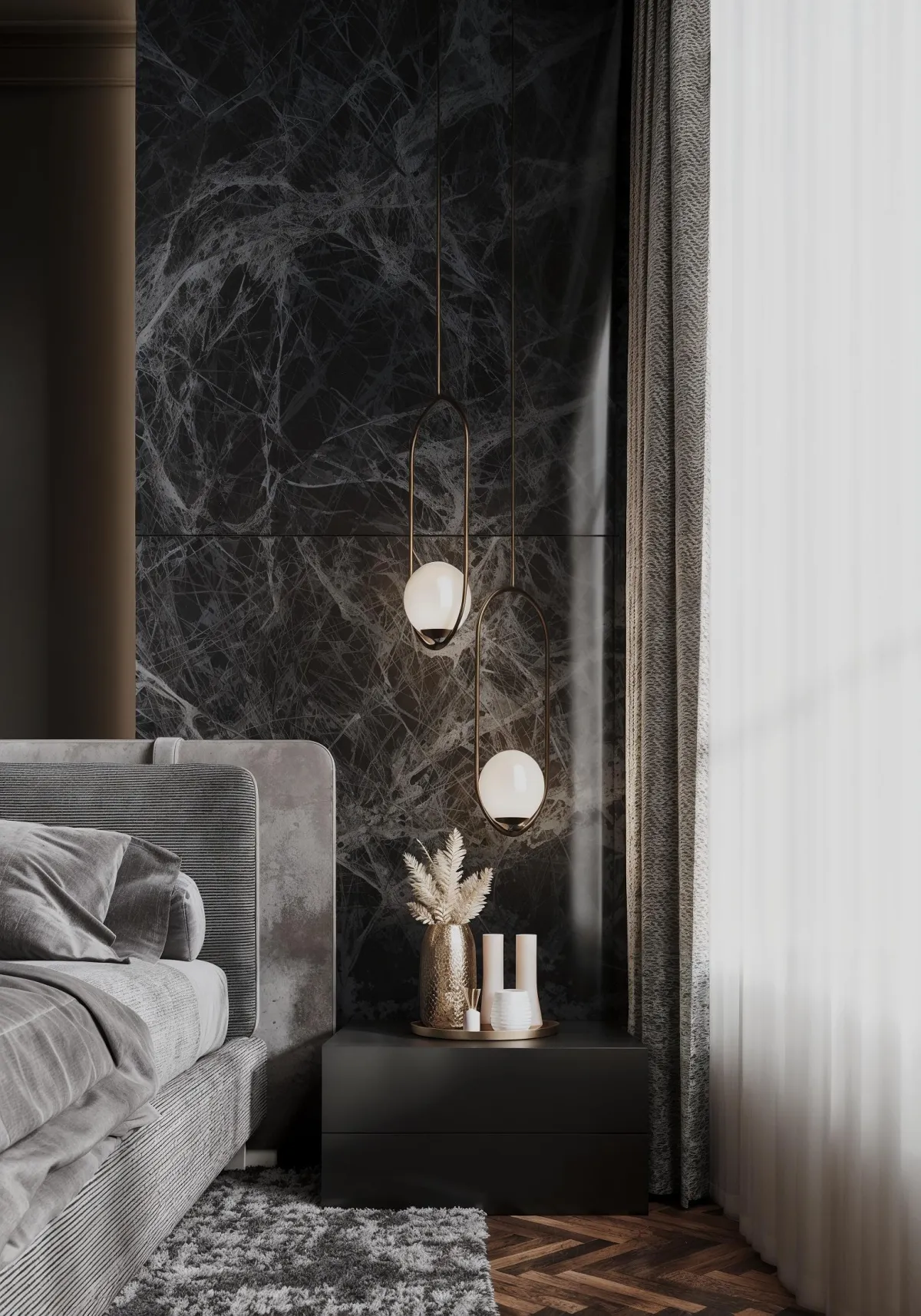
Ai Enhanced image
Ai generated video and video editing
Ai
We will learn how to use Ai in our workflow with free tools, so we get prompts from ChatGPT, and use them to generate video from Google Ai Studio.
Also, how to enhance our image to upscale and add realistic details, then post production.
Lighting
You will discover how to craft stunning daylight and moody night scenes using Corona Renderer—mastering lighting on both bright and dark moods to breathe emotion and realism into every interior shot.
Meet Your Guide
Hisham Reda
3ds max instructor

Hisham Reda is an architect, and the founder of Hilive ,LLC. His experience in 3ds max for more than 17 years, and as a trainer for 3ds max for more than 12 years. He is also a certified professional from Autodesk.
His teaching method is renowned for being simple, practical, and results-driven, enabling students to reach realistic, professional-level renders in record time — even if they started with zero experience.

Students Work
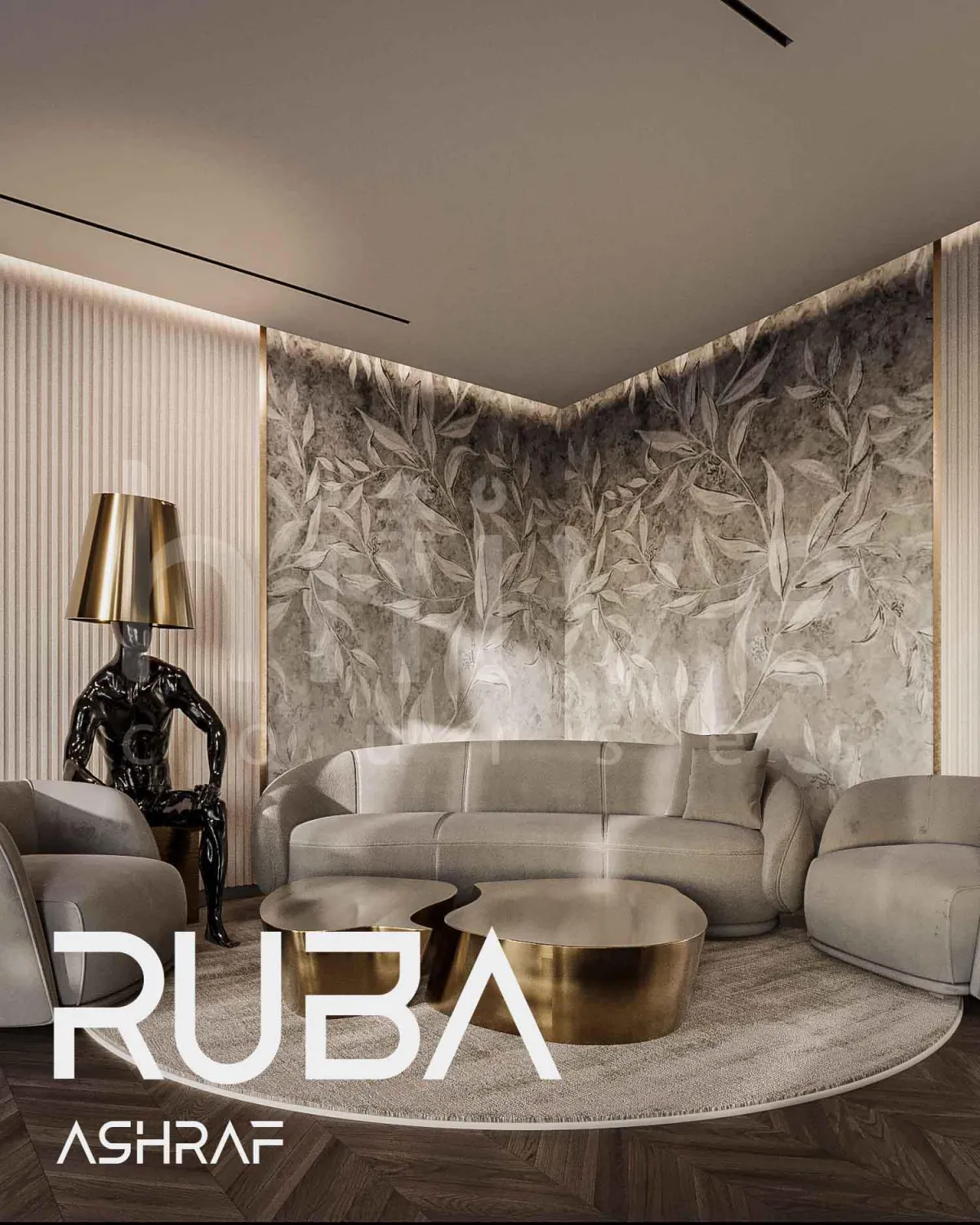
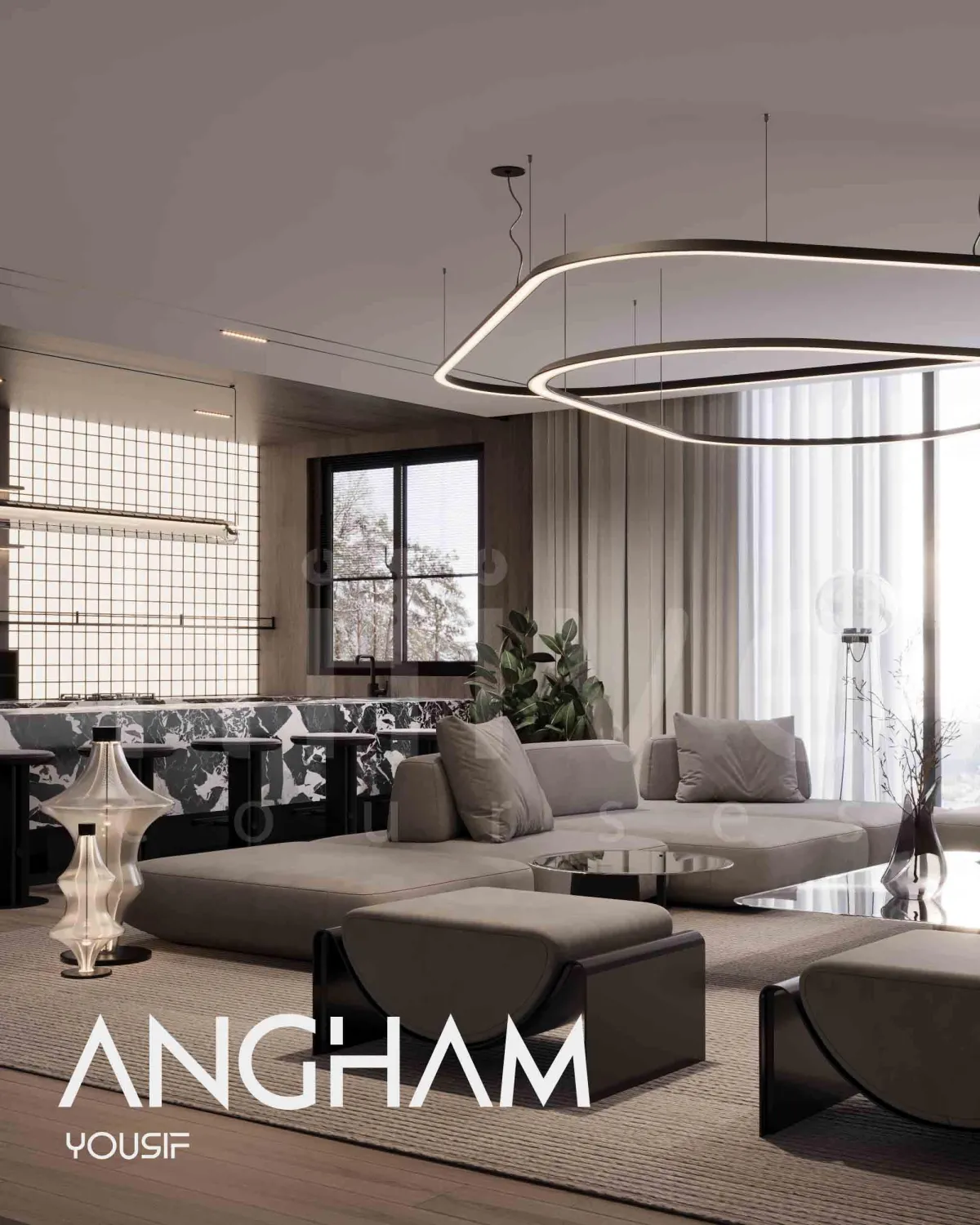
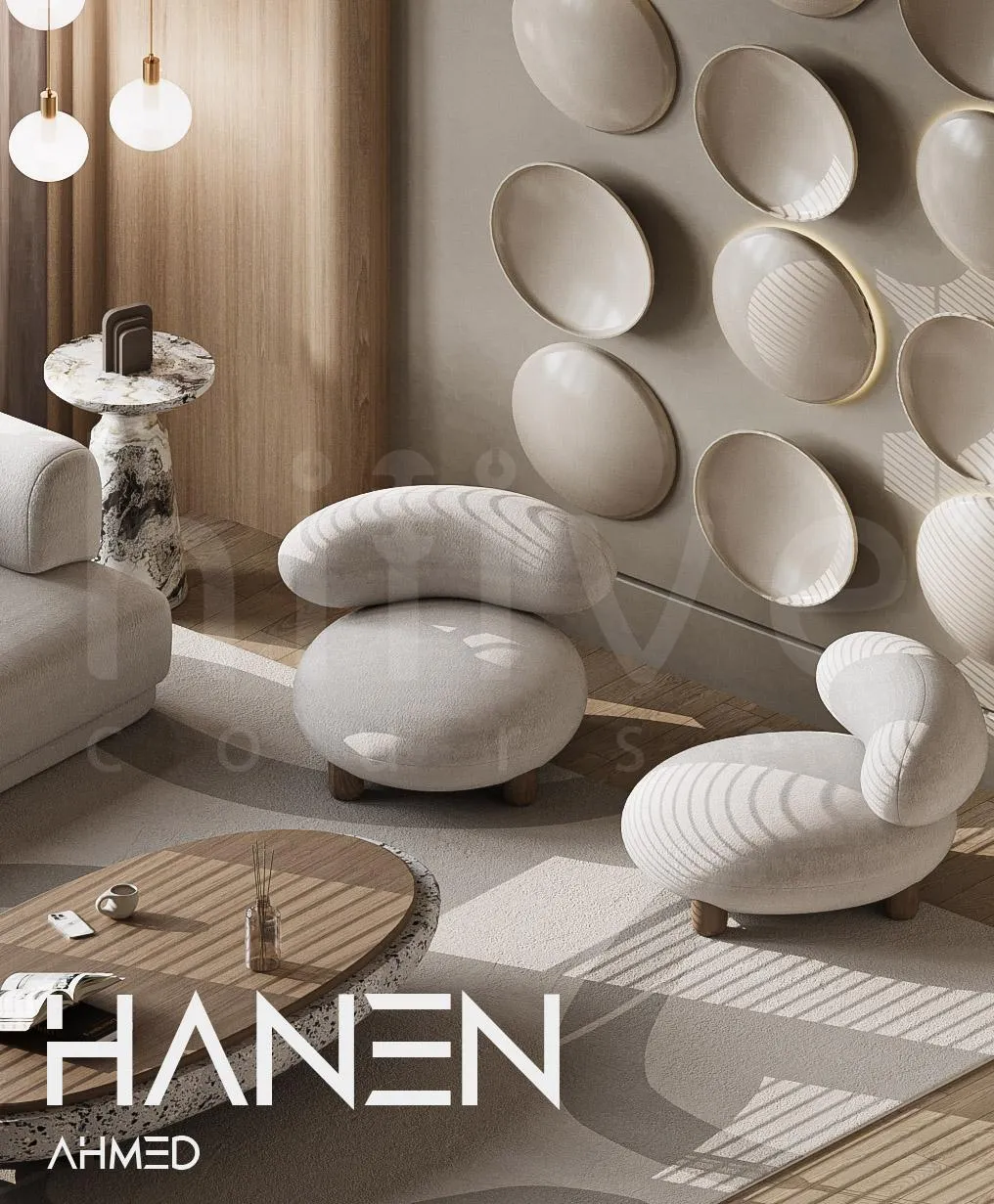
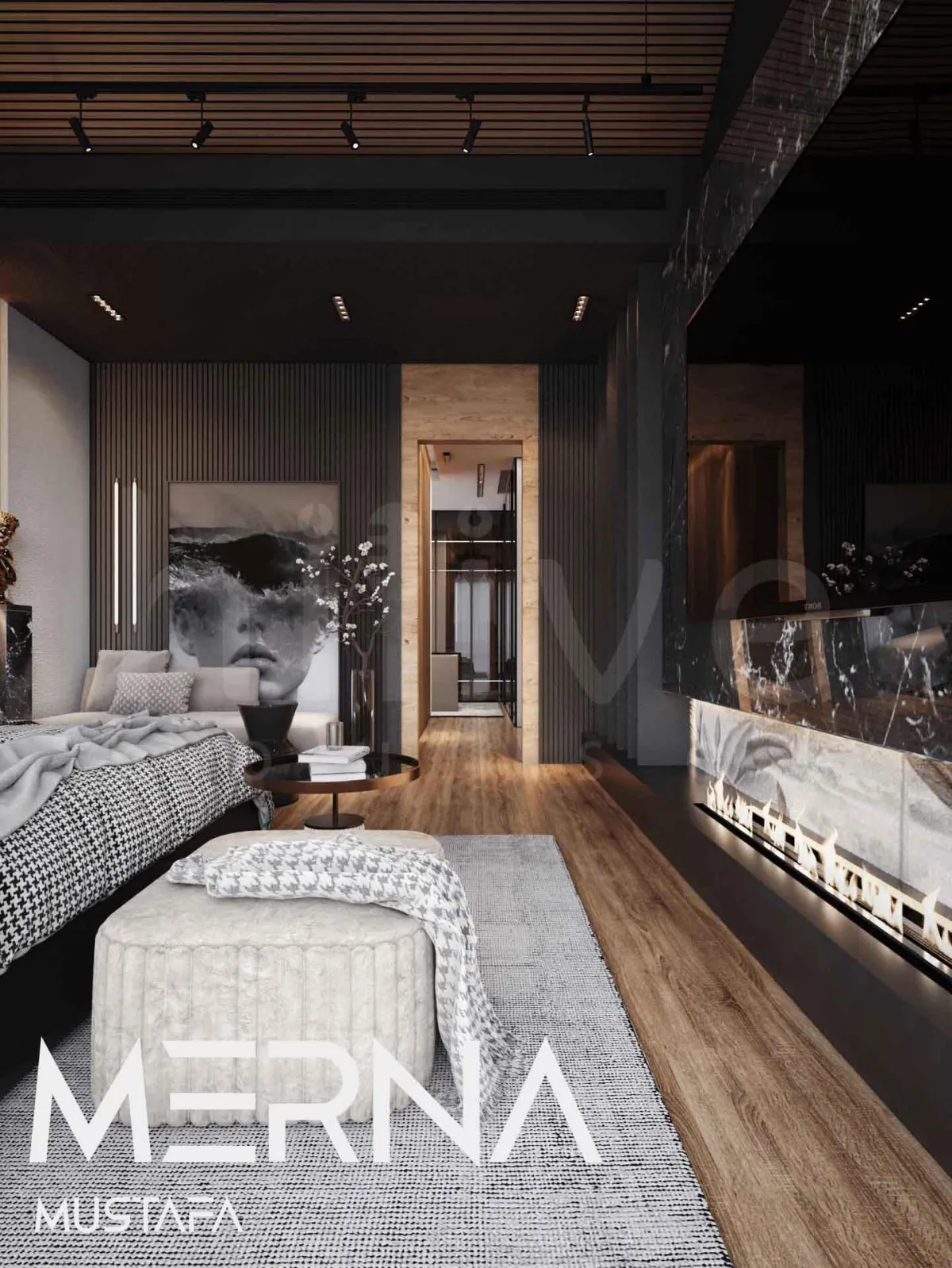
✅What You’ll Walk Away With:
The exact steps to render a realistic interior shot – Easy steps to follow to speed up your work.
The Best way for light distribution – Discover how to balance between different light sources easily.
Material Creation Made Simple – Create, and modify materials in no time.
Adjusting Incredible Shots – Capture eye-catching camera shots that impress your clients.
Save Hours on changing your design mood – Change your design mood between bright and dark colors.
Build a Stand-Out Online Presence – Boost your brand’s impact with AI-driven animated scenes.
The Instant Answers – Ask all your questions in the live sessions, and you will get your answers for them.
Testimonials
Exclusive Bonus:
All Project Assets – 3d model files (with/without) materials and Lights to help you apply on your realistic rendering project.
50% discount for private follow-up session – Apply and correct with me, so I can help you understand your mistakes and how to fix them by one on one live session.
Leonardo-Ai Subscription – for 1-month (Apprentice) for the best 3 projects.

SUCCESS and FAILURE SCENARIO
Imagine rendering realistic projects, with different moods in simple few steps that saves you hours and impress your clients effortlessly.
✘ Without these steps, you’ll keep spending time on ways that hold you back from reaching realistic rendering.
© Copyright 2025. Hilive, LLC. All rights reserved.
Follow us


